レビュー
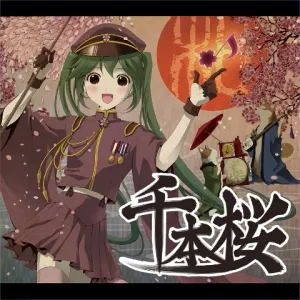 | 千本桜 黒うさP(WhiteFlame) ボーカル: 初音ミク |  バーチャルシンガー 楽曲+キャラクターパック バーチャルシンガー 楽曲+キャラクターパック | 3 6 10 12 |
| ターゲット | チェイン | スペシャル |
|---|---|---|
| 473 | 526 | 43 (8.2%) |
 257 257 59 59 2 2 4 4 5 5 10 10 109 109 22 22 5 5 | ||
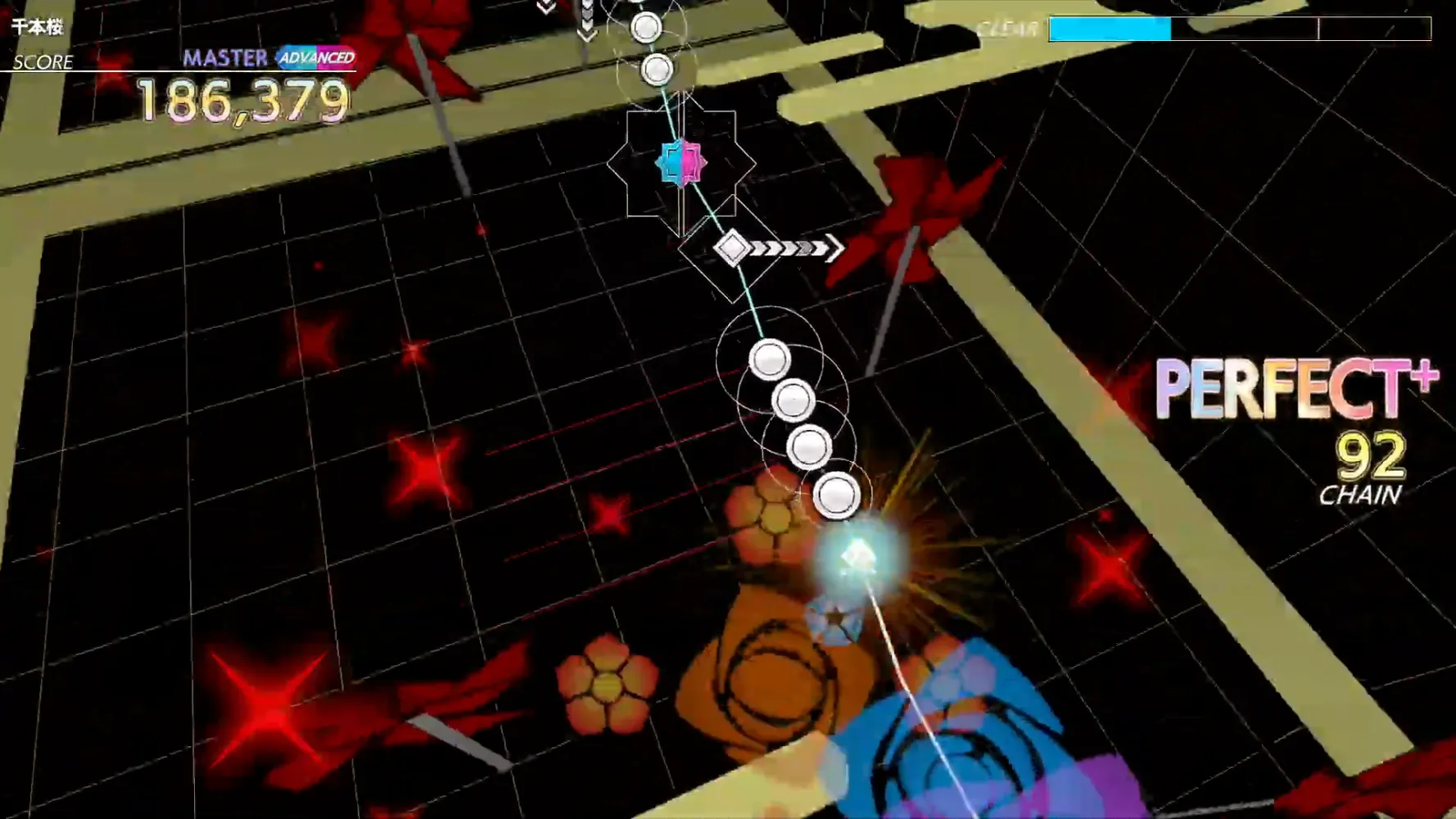
MY EYES! Is this Senbonzakura or Sense 2007? The contrast of gold and black this song is insane, and it is even funnier that they add a lot of rapid high contrast additive blending flashes on top! I get it that its the color scheme of this song's original MV... and Groove Coaster players surely understand that visual distractions are part of the game... Luckily there is an option that reduce the brightness of background. If you are trying to get a new high score you should dial it down from 100 to minimum 10.
Real review now, this song got shorter cut this time. The main thing are these 4-note 24ths that are in both intro and outro. It's an excellent song to practice 24ths as you can restart and try them again very fast. There are 5 sets in the intro (), and 2 sets in the outro (). If you had trouble with faster one in Catcher in the Ui, use this one as stepping stones.
: This gold checkerboard can blind you and I can't even see whether I got any non Perfect+ or not, if not for the score number turning white. Yeah I get it, you can use any Unity shaders now. And what's more suitable to create gold than additive shaders right?
: (lol rapidly flashing golden clouds and movie flashbangs) I came up with a special strategy for the intro (and outro). The ending arrows on each 16th stream are only left and right, and typical strategy is to look ahead and think of all preceding circles are the same arrows, and therefore position both fingers on that button. But if you do that, it takes maximum distance for both fingers to move to the opposite side and you have to do it over and over. Usually your non-dominant hand will struggle in accuracy after such movements. What I did is to take advantage of how all the 16th streams are 5 notes, odd numbered, so ensure the arrow lands on my dominant hand that I start with predictably. I then always use up and down buttons for most circles, and quickly move the dominant hand to cover both the left and right arrows back and forth. With this strategy, you can see that my weak hand (blue side controller) stay still on the down button most of the time. For the 4-note 24ths, it's even-numbered so if you start with the dominant hand and ends on the other hand you can mostly ensured you pressed quickly 4 times and not 3 or 5.
: Flashing grid and the dark panels are moving! There will be Miku on a bicycle that flashes bright pink, and a Torii that suddenly bunshins and went crazy towards you.
: Literally movie flash bang and be careful as only one note is Special that will help your judgement. There are both additive blending golden sakura petals in the foreground 3D space and in the movie texture! And that tunnel also flashes!
: After coming up from this square hole I think it's the only time this song isn't flashing. Also the colors around here are completely fine I wish they apply this to the entire song. Are you ready for the outro?
: The same trick in the intro still works, but they switch up the arrows from left and right to some up and down now. After, around the circle they became all arrows and now you do have to line up both fingers correctly for them. For right hander, the last set where it starts with left arrow, you can use the inner buttons (right button on left controller, left button on right controller) so you can still start with your dominant hand.